Getting Started
Home / Documentation /
⚙️ Getting Started
🏪 Outlet
⚙️ Settings
🏧 Working With Counter
💰 Working Denomination
🛒 Make a Test Sale
👥 Employee Management
📅 Attendance
📋 Working with Tax
🏦 Account
📦 Working (General Item)
📦 Working (Variation Item)
📱 Working (IMEI Item)
🏷️ Working (Serial Item)
💊 Working (Medicine Item)
💳 Working (Installment Item)
🔧 Working (Service Item)
📊 Stock (General Item)
📊 Stock (Variation Item)
📊 Stock (IMEI Item)
📊 Stock (Serial Item)
📊 Stock (Medicine Item)
📊 Stock (Installment Item)
📥 Purchase (General Item)
📥 Purchase (Variation Item)
📥 Purchase (IMEI Item)
📥 Purchase (Serial Item)
📥 Purchase (Medicine Item)
📥 Purchase (Installment Item)
🏷️ Barcode & Label
🖨️ Working with Printer
🛒 Sale (General Item)
🛒 Sale (Variation Item)
🛒 Sale (IMEI Item)
🛒 Sale (Serial Item)
🛒 Sale (Medicine Item)
🛒 Sale (Installment Item)
🔧 Sale (Service Item)
🌐 Multivendor e-Commerce
📧 Working with Email
💬 Working with SMS
💳 Payment Gateway Setting
💬 Working with WhatsApp
👤 Working with Customer
🏢 Working with Supplier
📤 Purchase Return (General Item)
📤 Purchase Return (Variation Item)
📤 Purchase Return (IMEI Item)
📤 Purchase Return (Serial Item)
📤 Purchase Return (Medicine Item)
📤 Purchase Return (Installment Item)
🔄 Sale Return (General Item)
🔄 Sale Return (Variation Item)
🔄 Sale Return (IMEI Item)
🔄 Sale Return (Serial Item)
🔄 Sale Return (Medicine Item)
🔄 Sale Return (Installment Item)
📊 Dashboard
🎁 Promotion & Coupon
🏆 Loyalty
💳 Installment Sale
🔧 Warranty/Servicing
📈 Income
📉 Expense
💰 Salary/Payroll
📋 Quotation
🔄 Transfer (General Item)
🔄 Transfer (Variation Item)
🔄 Transfer (IMEI Item)
🔄 Transfer (Serial Item)
🔄 Transfer (Medicine Item)
🔄 Transfer (Installment Item)
❌ Damage (General Item)
❌ Damage (Variation Item)
❌ Damage (IMEI Item)
❌ Damage (Serial Item)
❌ Damage (Medicine Item)
❌ Damage (Installment Item)
🏢 Fixed Asset
📊 Report
🔄 Update Software
❌ Uninstall License
Developed By

About FiNPOS
What is FiNPOS?
FiNPOS is a comprehensive retail software solution, designed to streamline your operations and enhance customer satisfaction across a diverse range of product types. From General Products to intricate IMEI and Serial Products, our platform caters to every facet of retail management with precision and ease.
How many businesses can use FiNPOS?
- Super Shops
- Mini Super shop
- Clothing Stores
- Electronic Equipment Sales Centers
- Mobile Shop Center
- TV-AC-Freez seller agent branch
- Installment base product selling shop
- Servicing Centers
Advanced features! Dealing with special product types.
General Product Management: Seamlessly handles a wide array of standard products, from electronics to apparel, with intuitive stock tracking and sales management tools.
Variation Product Support: Effortlessly manage variations in products such as size, color, or style, ensuring accurate stock management and efficient order fulfillment.
IMEI Product Tracking: Track individual units of IMEI-coded products, such as mobile phones or electronic devices, from procurement to sale, ensuring precise stock control and warranty management.
Serial Product Management: Maintain meticulous records of serialized items like machinery or appliances, enabling traceability for warranty claims and efficient after-sales service.
Medicine and Expiry Product Handling: Safeguard your customers’ health and your business reputation with robust features for managing expiry dates and regulatory compliance, ensuring timely rotation of stock and minimizing waste.
Installment Product Management: Facilitate flexible payment options for high-value items with built-in support for installment plans, empowering customers while simplifying your financial processes.
Servicing Integration: Enhance customer satisfaction and loyalty by seamlessly integrating servicing and maintenance functionalities, enabling easy tracking of service requests and history for each product sold. With our retail software, you can optimize operations, improve stock accuracy, and deliver exceptional service across all product types, setting your business apart in today’s competitive retail landscape.
Login Using Default Credentials
Your default login credentials are:
Email: admin@FiNASAL.com
Password: 123456
Change Profile
In this module, you can update your name, username, email, phone number, and profile photo.
Simply go to the User Profile section and click on “Change Profile” to update your details.
This ensures your profile information always stays accurate and up to date.
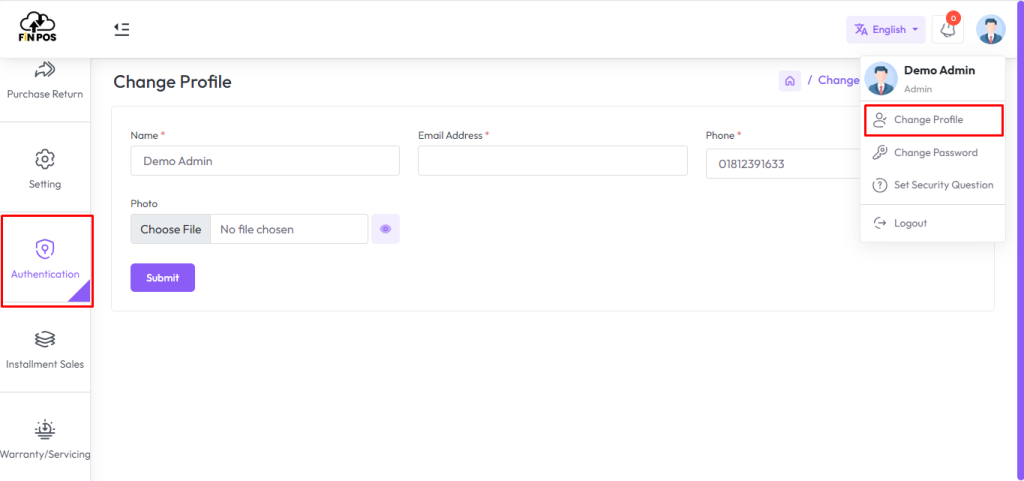
Now you can put the Name, Email, Phone, Username, and Profile photo by filling up these fields. After successfully updating, it will show a message like this: “Information has been updated successfully!”. This feature helps you keep your personal details current and well-managed.
Change Password
In this module, you can change your account password to keep your profile secure.
Go to the User Profile section and click on “Change Password” to set a new password.
Updating your password regularly ensures better protection of your account.
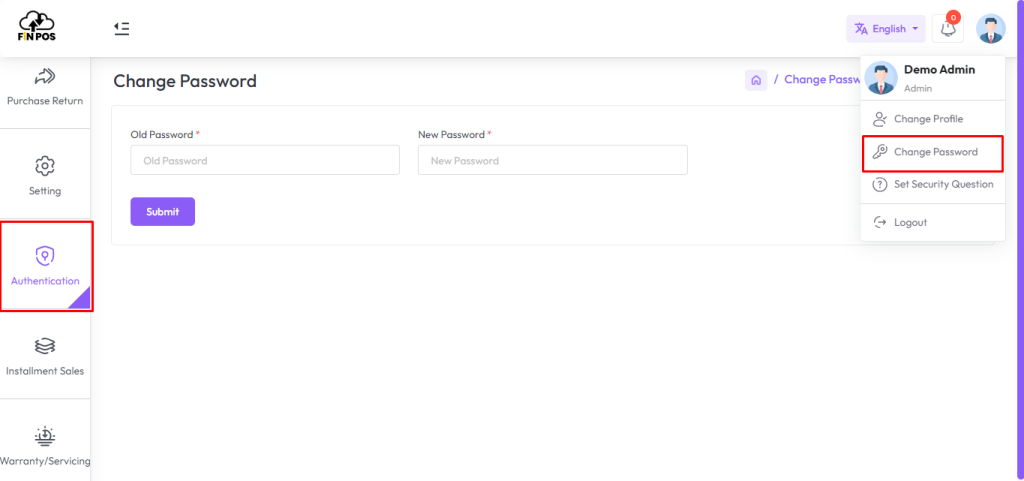
Now you can put the Name, Email, Phone, Username, and Profile photo by filling up these fields. After it is successfully updated, it will show a message like this “Information has been updated successfully!”.
Set Security Question
Please set a security question on your site by following the below instructions. So that you can reset your password in case you forget it. Also if you are a newly added user, you will need to set a security question for you.
Go to the User profile section from the right top bar and click on “Set Security Question”.
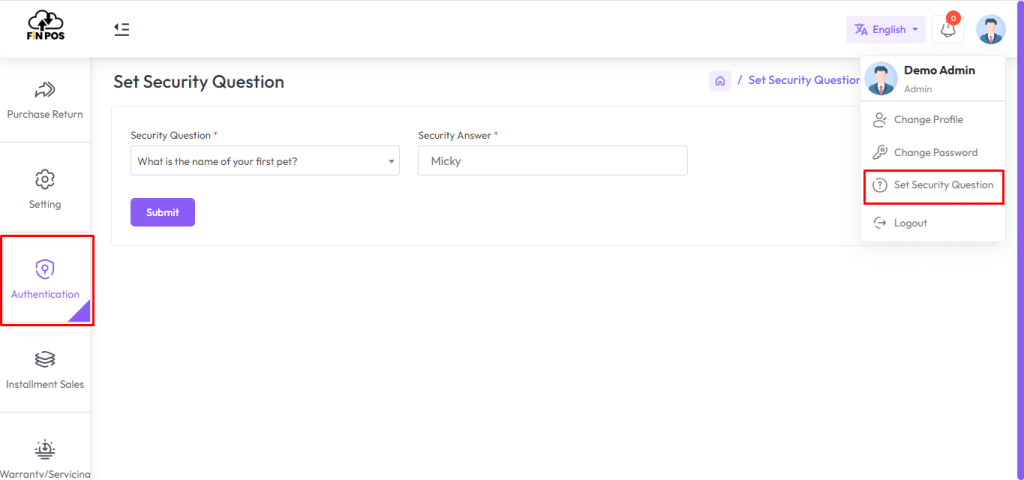
Click the “Question” drop-down and select any of the security questions. Enter the answer to the question. Click on the “Submit” button to save it. This security step helps protect your account from unauthorized access and ensures safe recovery options in the future.
Forgot Password
In this module, you can reset your password without email or verification by answering the security question set earlier from the admin panel.
Click on “Forgot Password?” and follow the steps to create a new password.
This option makes it quick and easy to recover access to your account.
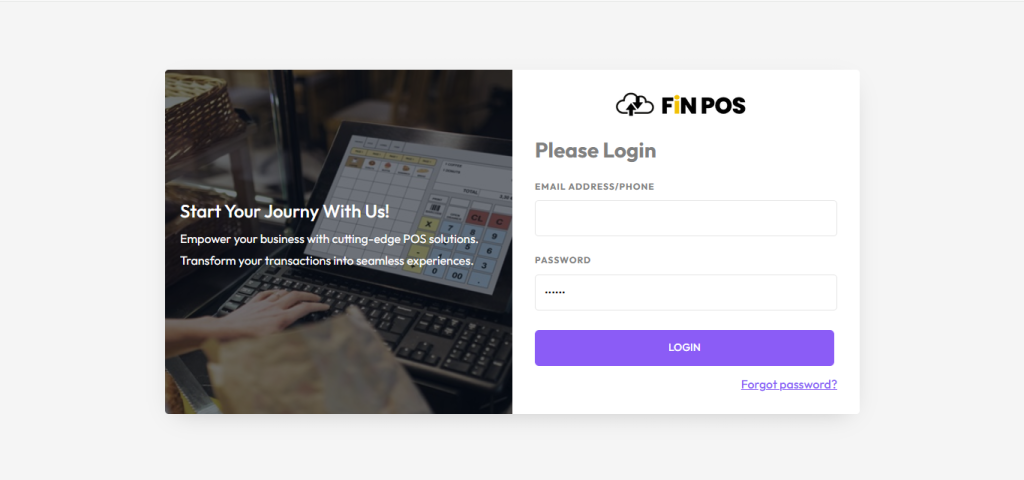
STEP 1: You need to enter your email address to check that your “Email Address” is registered in the system and click on “Submit”. This step ensures that only valid and registered users can proceed further.
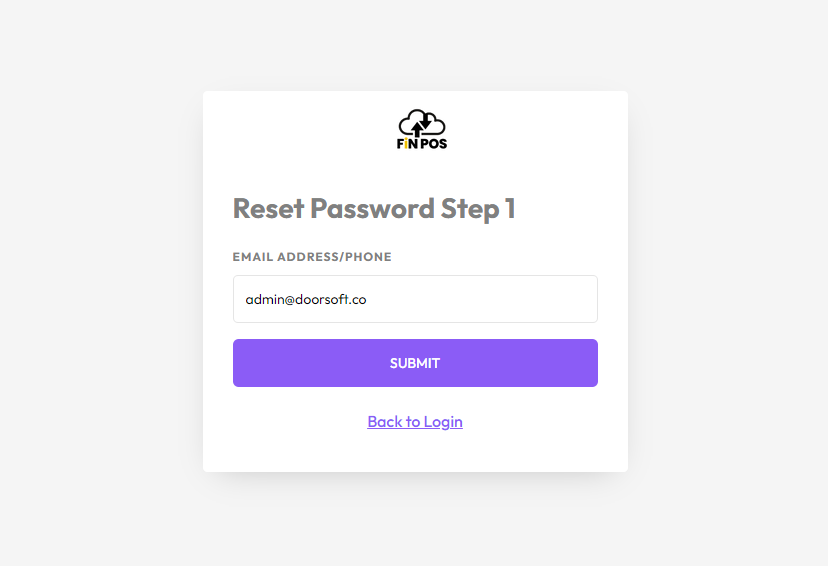
If you entered a valid email address system will redirect to the next step.
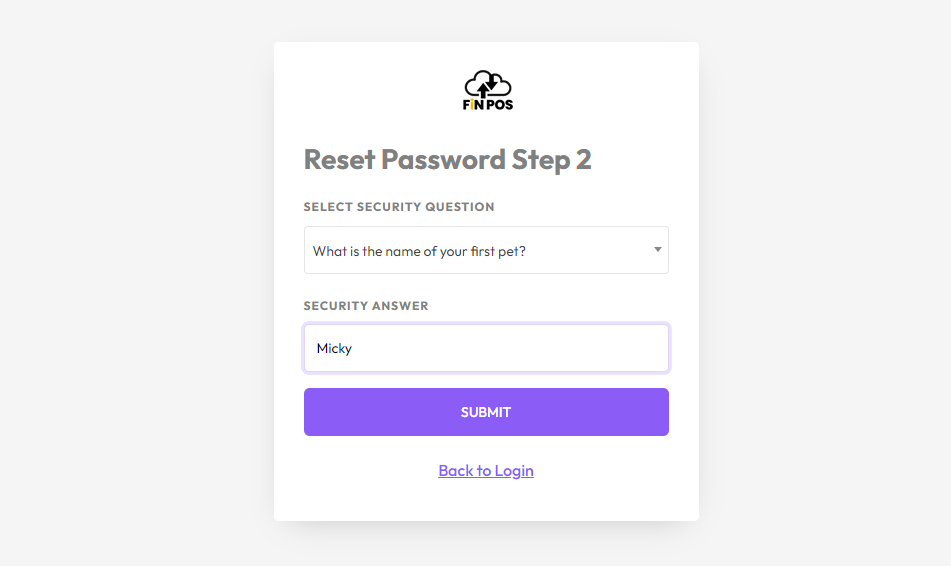
Step 2: Here you need to select your previous set security question and answer then click on submit again for the next step if both are correct.
Note: If you set security answer previously like: Micky then you should fill Micky not micky, mIcKy, MICKY, it doesn’t accept, Give only what was previously given.
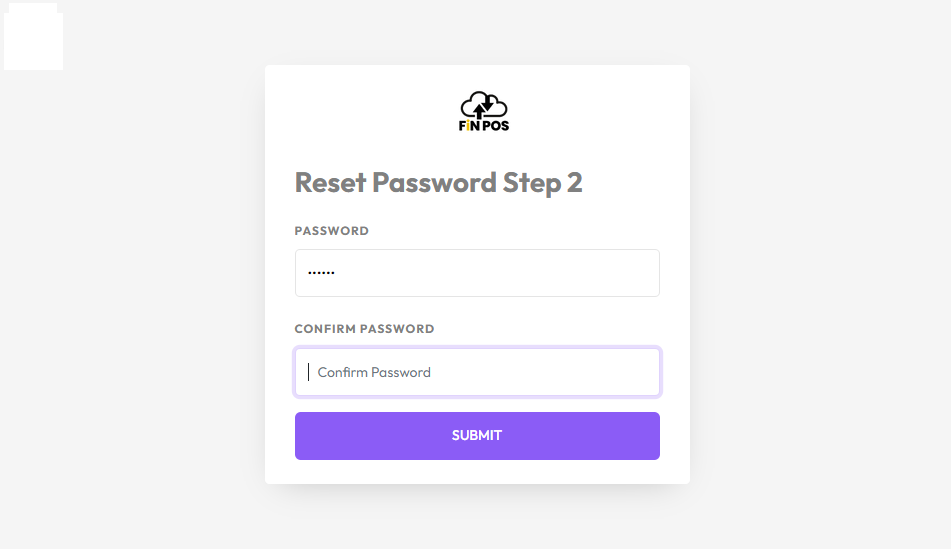
Step 3: Enter your new password and confirm password and click on the “SUBMIT” button then the system will redirect in the login page.
Now enter your email and newly created password to login. This will give you access to your account with the updated credentials. Make sure to remember your new password and keep it secure for future use.
Change Language
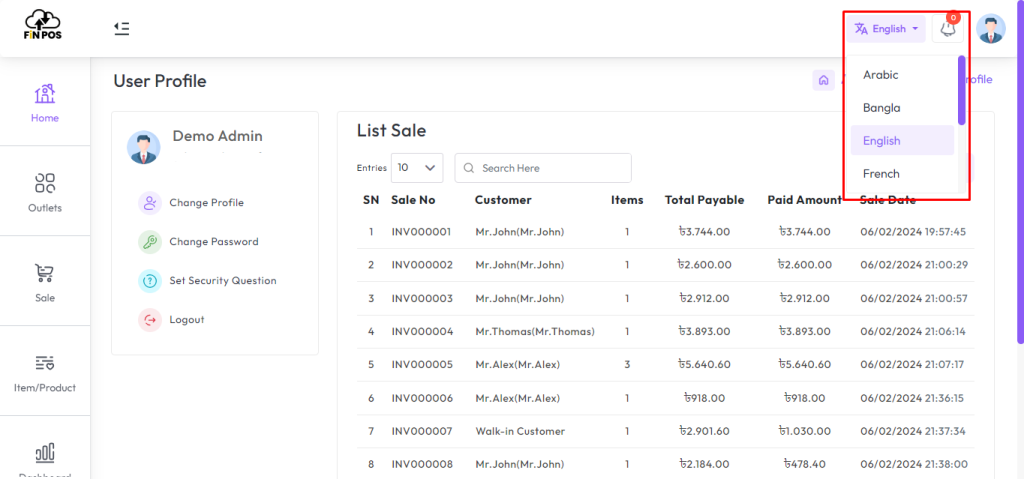
In this module, you can change the system language by clicking on the language button.
You will get multiple language options and can select your desired language.
This feature makes the system easier to use by supporting different user preferences.